Personalization
The Personalization component comprises of options that allow users to customize their Reveal experience to match individual preferences or organizational branding.
This feature provides flexible interface controls designed to improve usability, accessibility, and overall user experience.
Personalization Options
Chat Theme
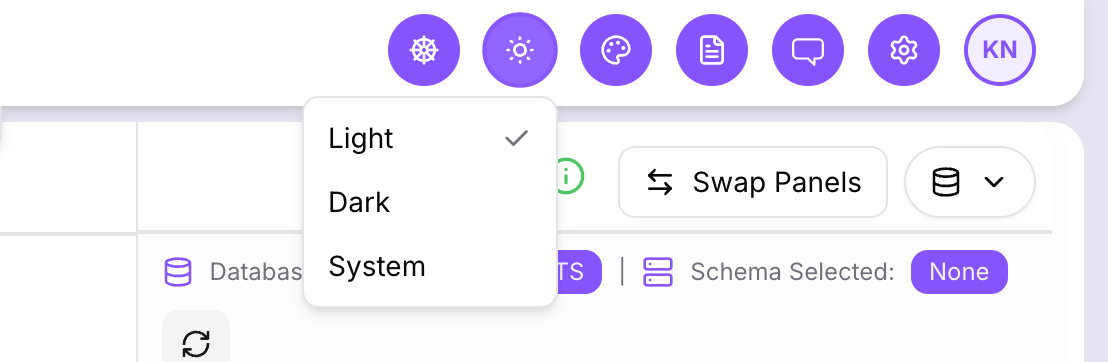
Switch between Light and Dark modes for an interface that adapts to your working environment and visual comfort.
Color Palette
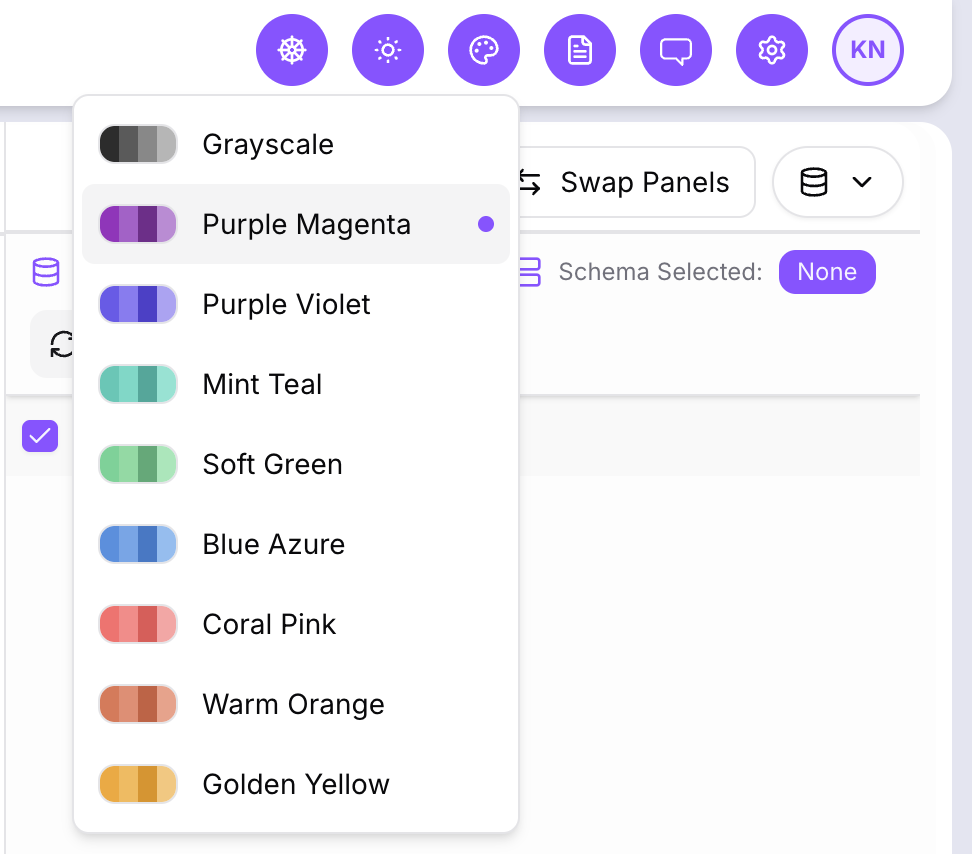
Choose from preset color palettes to personalize the platform’s appearance or align it with your organization’s branding.
Guided Tour
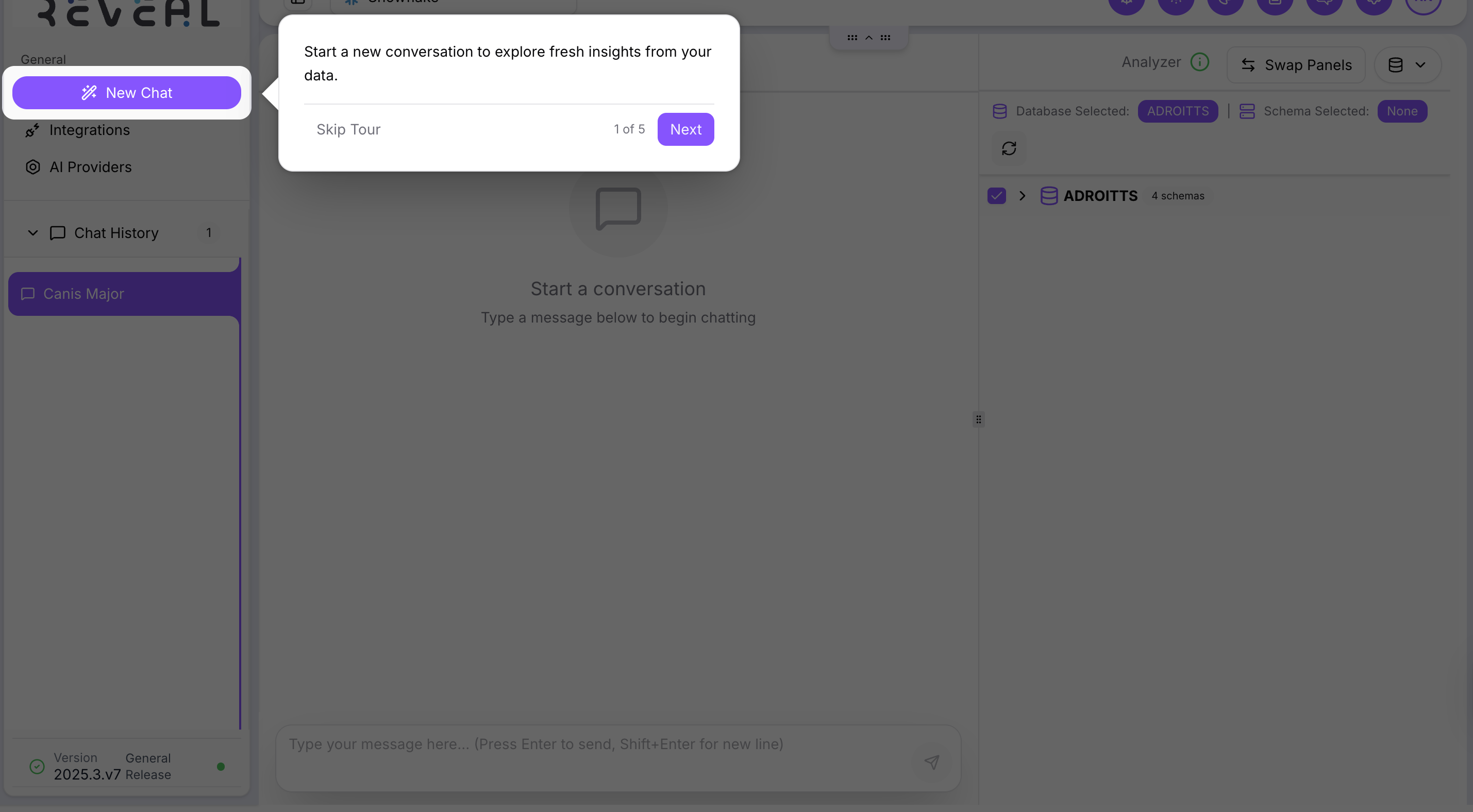
Enable or disable the interactive guided tour through the toggle button. This helps new users navigate the platform and can be turned off once familiar with the interface.
Key Benefits
- Improves accessibility and user comfort through customizable themes.
- Supports consistent visual identity across teams and organizations.
- Allows users to control onboarding experiences with the guided tour toggle.
Troubleshooting
- Theme or palette not applying
- Refresh the page to ensure the settings are saved.
- Check browser compatibility and clear cache if needed.
- Guided tour toggle not working
- Log out and back in to reset preferences.
- Ensure browser pop-up permissions are enabled.
If issues persist, contact your platform administrator or support team for assistance.