Feedback
The Feedback page lets users report issues, request features, and share suggestions directly from within Reveal.
Submitting feedback
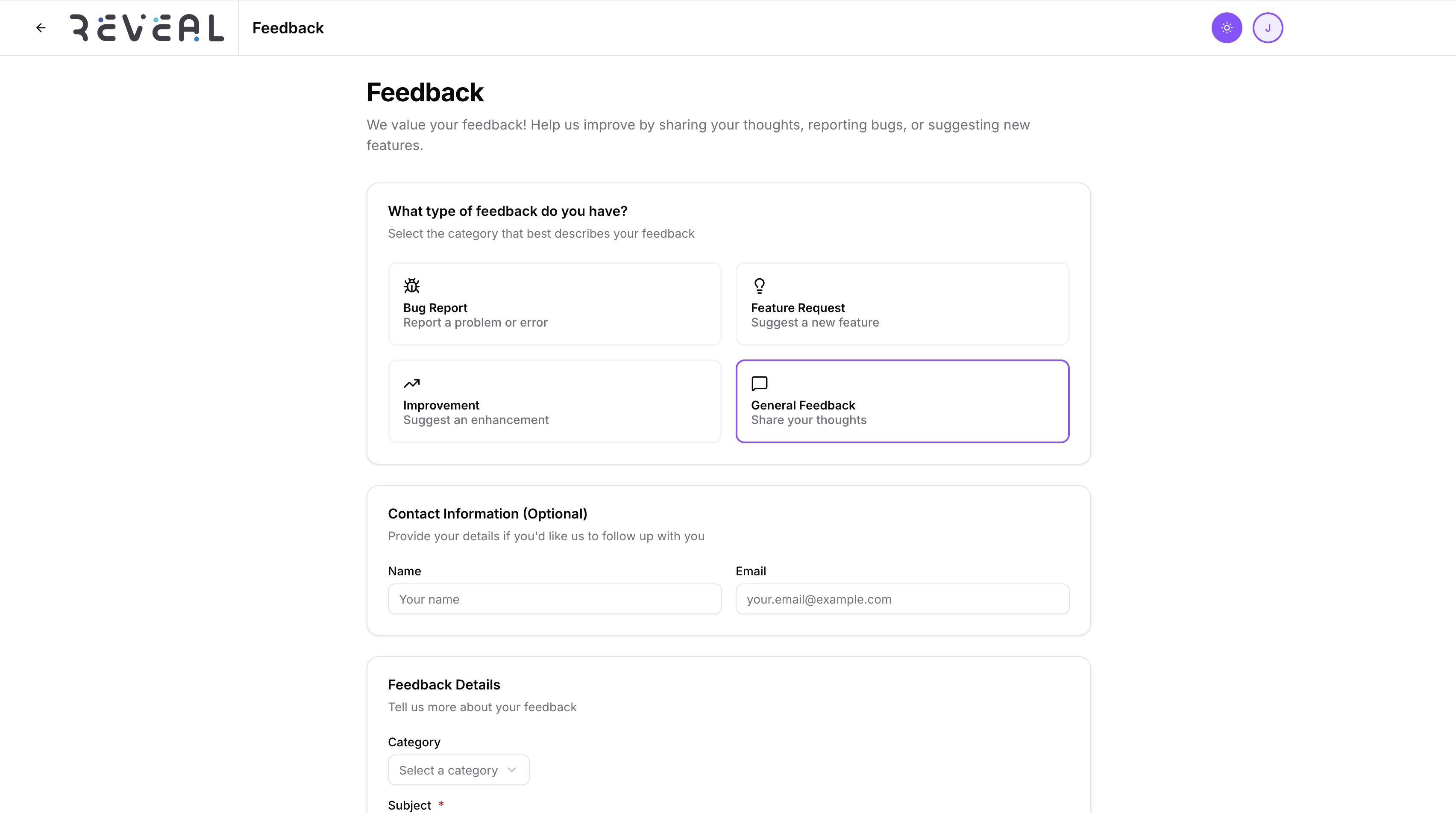
- Click the Feedback icon in the top navigation bar
- Select a feedback type:
- Bug Report — something is broken or not working as expected
- Feature Request — a new capability you would like to see
- Improvement — an enhancement to an existing feature
- General Feedback — anything else
- Describe your feedback in the text area
- Optionally add your contact information if you would like a response
- Click Submit
What happens next
Feedback is sent to the Reveal team and logged internally. For bug reports, include steps to reproduce the issue and which feature was affected — this helps resolve issues faster.
tip
For urgent issues or system outages, contact your administrator directly rather than using the feedback form.