Breakglass Login
Breakglass Login and the Setup Wizard are intended for initial configuration only. In an enterprise deployment, only an administrator completes this setup — all other users receive access through the configured SSO provider.
The Breakglass Login is a built-in emergency administrator account. It exists for first-time setup and system recovery — when SSO is not yet configured or when all other admin access is unavailable.
The breakglass session grants full system-configuration access and expires after 4 hours. Treat the password like a root key — store it in a password manager or secure vault. If it is lost, recovery requires direct server access. There is no self-service reset.
Accessing the breakglass login
Navigate to /setup/login in your browser. This route is separate from the regular OAuth login at /oauth2/login.
First-time initialisation
If the breakglass password has never been set, Reveal automatically redirects you to /setup/init.
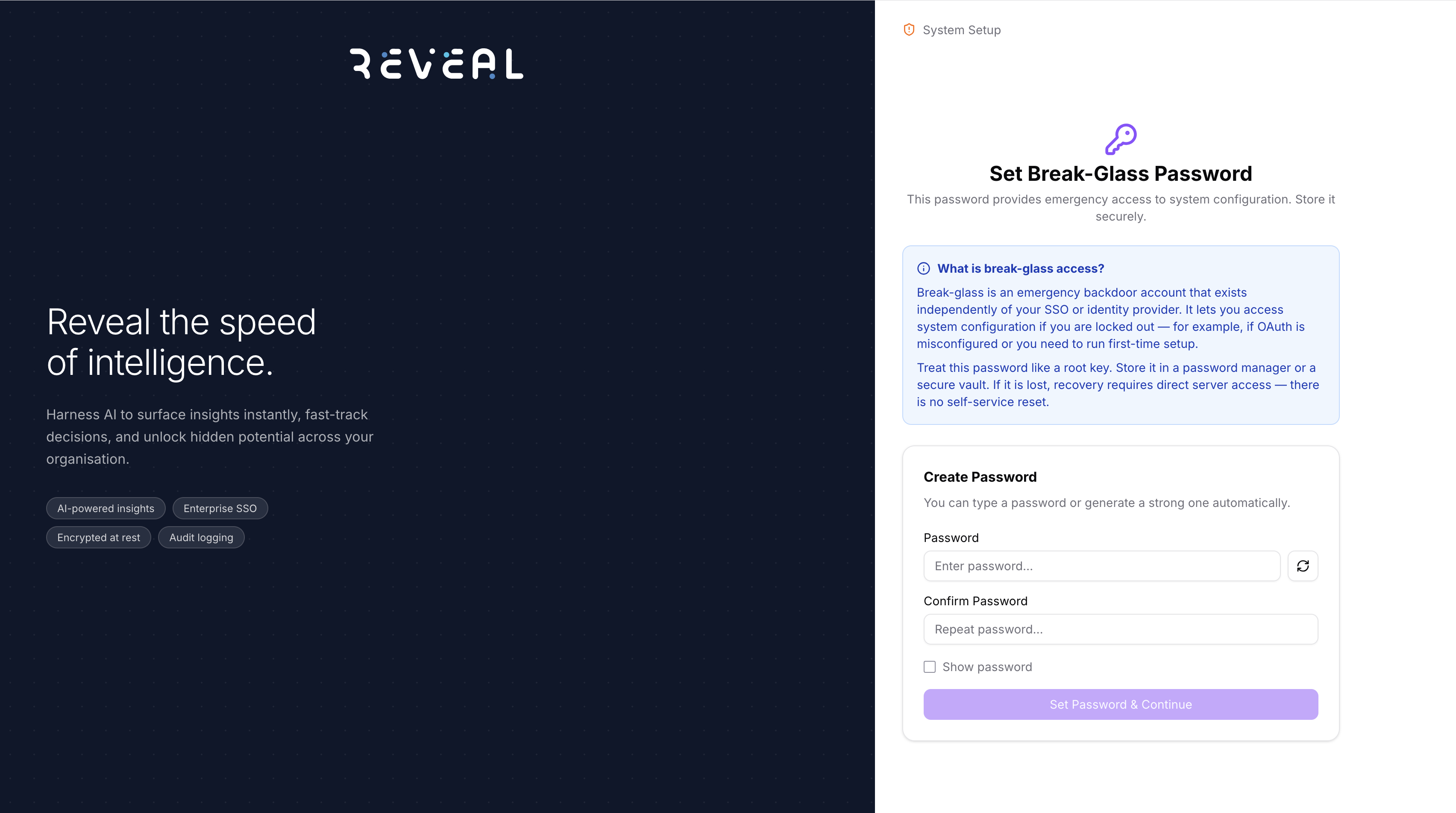
Enter a password and confirm it, then click Set Password & Continue. You can also use the generate button to create a strong password automatically. Once set, you are taken directly to the Setup Wizard.
Logging in
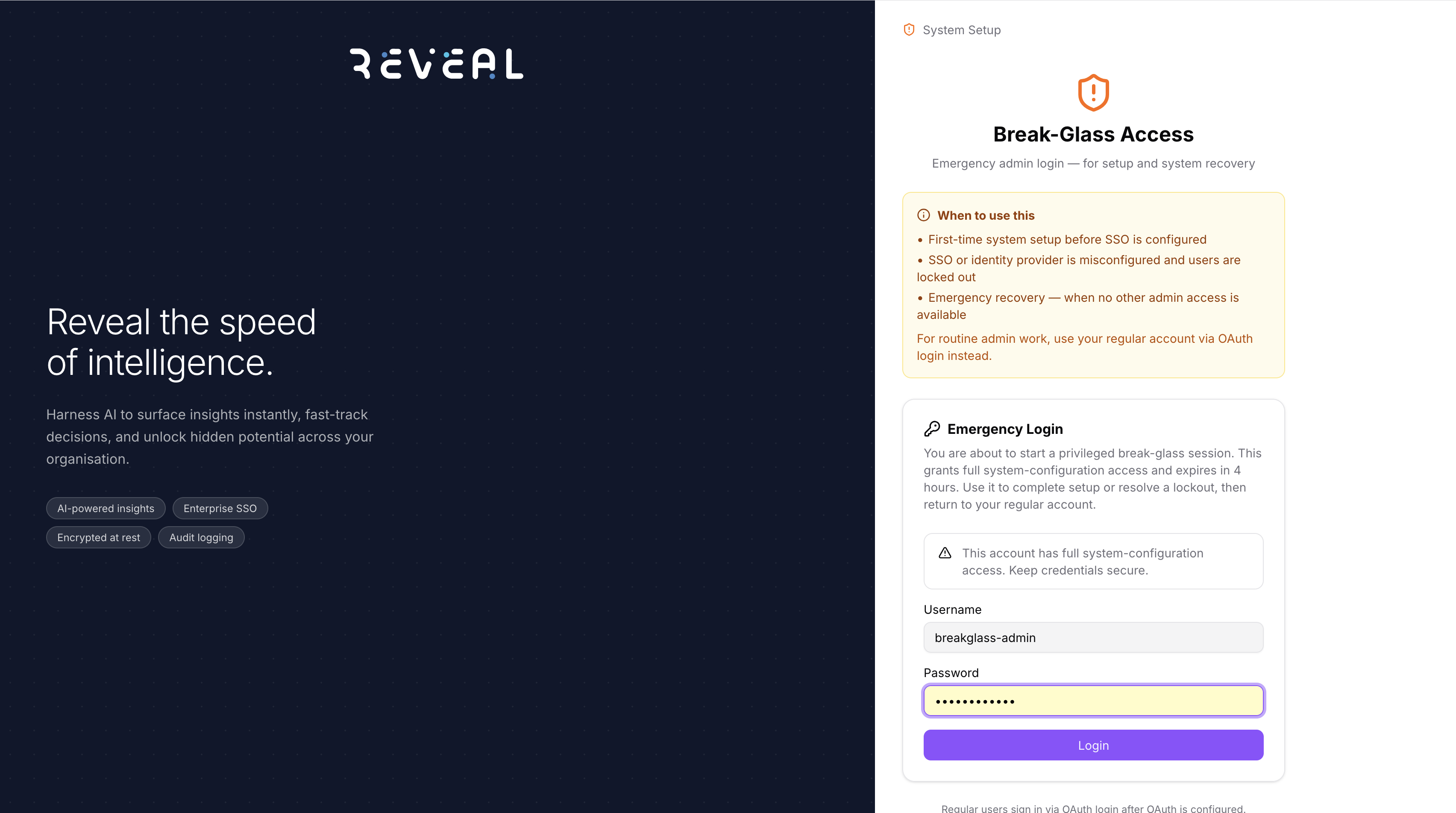
The username is always breakglass-admin (pre-filled). Enter your breakglass password and click Login.
Use the breakglass account in these situations:
- First-time system setup before SSO is configured
- SSO or identity provider is misconfigured and users are locked out
- Emergency recovery when no other admin access is available
On success, Reveal redirects you to the Setup Wizard at /setup/config.
What you can do in a breakglass session
- Complete the Setup Wizard — configure secrets source, identity provider, Azure resources, AWS S3, and system settings
- Access System Config directly to update or fix any configuration
- Recover from a locked-out state by reconfiguring the identity provider
Security considerations
- The breakglass session expires after 4 hours
- All actions taken during a breakglass session are recorded in the audit log
- For routine admin work, use your regular OAuth account instead
After completing setup, return to your regular OAuth account. Reserve the breakglass credentials for emergencies only.